Everyday Life Tools
Simple tools for fuller lives. Personal captions, haptic wayfinding, visual helper, and smart routines—all in one accessible app.
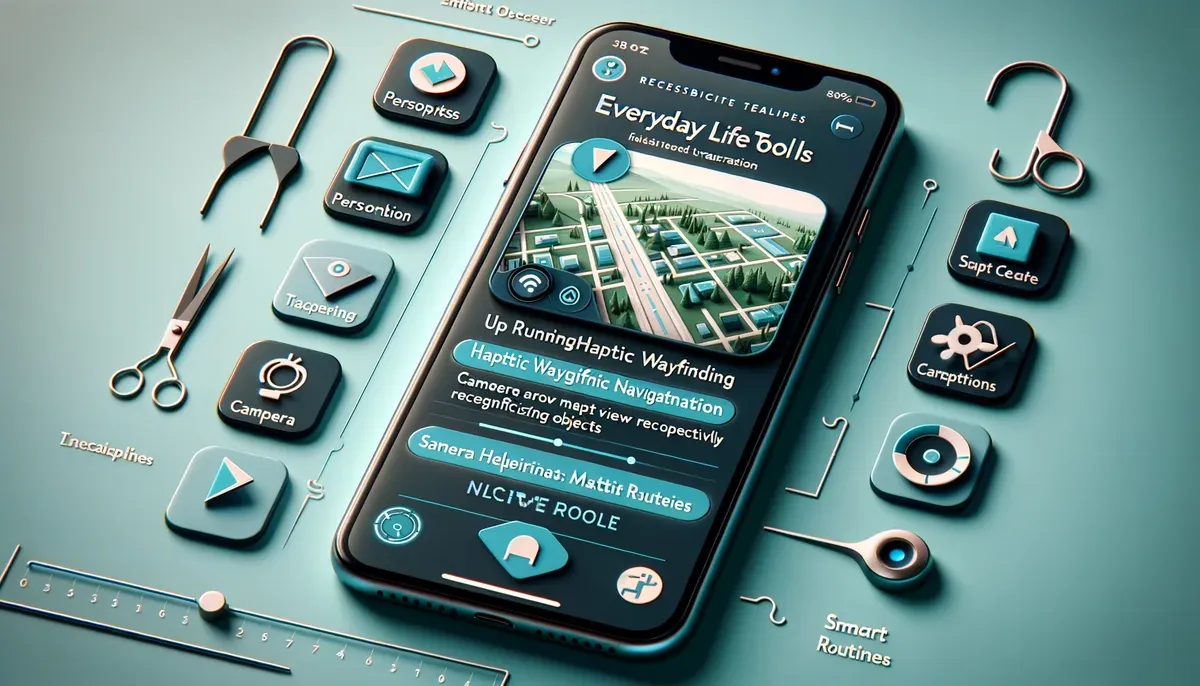
In Development
MVP focus: Personal captions, visual helper, basic haptic navigation, and Matter device routines
We're building Everyday Life Tools to help people with disabilities navigate daily life more independently. The MVP includes core features for personal captions, visual assistance, navigation, and smart home control.
Get Early AccessSimple Tools for Daily Living
Daily life shouldn't require complex setups or expensive equipment. Our Everyday Life Tools bring accessibility features directly to your smartphone.
Whether you need captions for a phone call, help reading a label, or navigation guidance, these tools work together to make everyday tasks easier. All features are designed with privacy in mind and work offline when possible.
The Challenge
- •Phone calls and videos lack captions
- •Reading labels and signs is difficult
- •Navigation apps aren't accessible
- •Smart home controls are complex
Our Solution
- •Always-on personal captions
- •Visual helper for reading
- •Haptic navigation guidance
- •Simple Matter device control
Everyday Life Tools Features
Complete solution for accessible daily living
Personal Captions
Always-on captions for device audio including calls, podcasts, and videos. Privacy controls included.
Haptic Wayfinding
Turn-by-turn navigation guidance using phone vibration patterns. Works indoors and outdoors.
Visual Helper
Object and text recognition with clear voice readout. Helps identify items and read labels.
Smart Routines
Simple routines using compatible Matter devices. Configure accessible alerts and automations.
Privacy Controls
All processing happens locally when possible. Clear privacy settings and data controls.
Offline Support
Core features work offline. Navigation and visual helper work without internet connection.
Personal Captions MVP
Never miss what's being said. Personal captions work for:
- Phone calls with real-time transcription
- Podcasts and audio with automatic captions
- Videos on your device
- Live conversations using device microphone
- Privacy controls to manage when captions are active
All processing happens on-device when possible to protect your privacy. Captions are clear, accurate, and easy to read.
Haptic Wayfinding
Navigate confidently with vibration patterns that guide you:
- Turn-by-turn guidance using phone vibration
- Indoor navigation for buildings and campuses
- Outdoor navigation for streets and transit
- Landmark identification with haptic feedback
- Offline support for areas without internet
Haptic feedback enhances spatial knowledge for both blind and low vision users, as well as people on the autism spectrum who benefit from tactile guidance.
Visual Helper
Read labels, identify objects, and understand your environment:
- Text recognition with clear voice readout
- Object identification for items and products
- Color detection for clothing and items
- Currency recognition for bills and coins
- Document scanning with text extraction
The visual helper uses your phone's camera to identify and describe what you're looking at, making daily tasks like shopping and reading easier.
Ready to try Everyday Life Tools?
Get early access to the app and help shape the future of personal accessibility tools.
Request Early Access